AuthWrapper
Overview
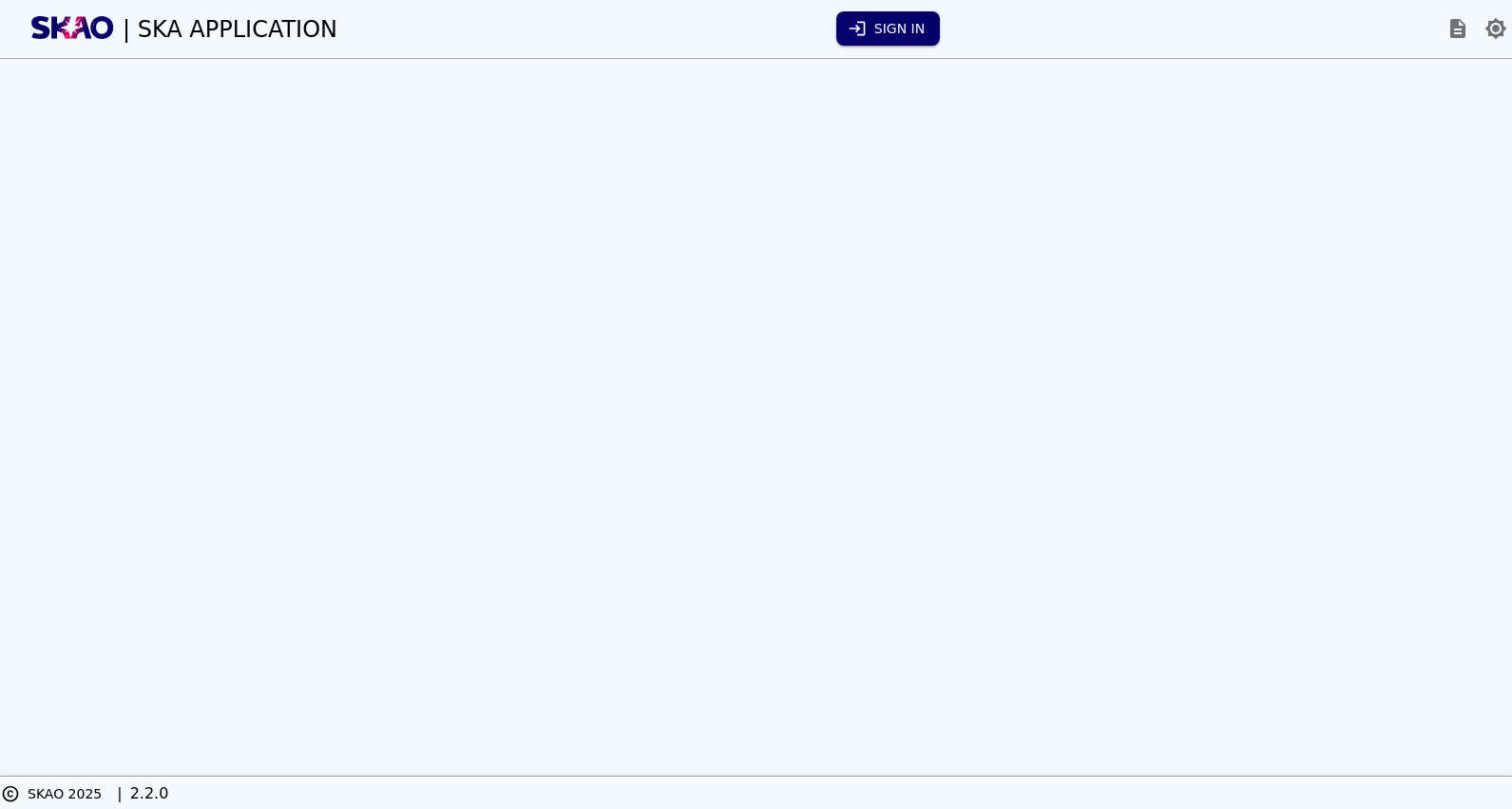
Wrapper that provides the standard header and footer, as well as Authentication. This can be configured via a number of properties, which are listed later on this page.
Tip
The component has been provided all the defaults needed to work within a standard SKA application.
import { AuthProvider } from '@ska-telescope/ska-login-page';

...

<AuthWrapper
   iconDocsURL="... some URL ..."
   storageThemeMode={themeMode.mode}
   storageToggleTheme={toggleTheme}
/>
Property |
Type |
Required |
Notes |
|
|---|---|---|---|---|
ariaDescription |
string |
No |
Used by Screen Readers |
|
application |
string |
No |
Title displayed to the right of the SKA logo |
|
buttonLoginColor |
ButtonColorTypes |
No |
Default : ButtonColorTypes.Secondary |
|
buttonLoginDisabled |
boolean |
No |
Disabled when true, default is false |
|
buttonLoginLabel |
string |
No |
Title of the login button |
|
buttonLoginSize |
ButtonSizeTypes |
No |
Default : ButtonSizeTypes.Medium |
|
buttonLoginToolTip |
string |
No |
Tooltip for the login button |
|
buttonLoginVariant |
ButtonVariantTypes |
No |
Default : ButtonVariantTypes.Contained |
|
buttonLogoutColor |
ButtonColorTypes |
No |
Default : ButtonColorTypes.Inherit |
|
buttonLogoutDisabled |
boolean |
No |
Disabled when true, default is false |
|
buttonLogoutLabel |
string |
No |
Title for the logout button |
|
buttonLogoutSize |
ButtonSizeTypes |
No |
Default : ButtonSizeTypes.Medium |
|
buttonLogoutToolTip |
string |
No |
Tooltip for the logout button |
|
buttonLogoutVariant |
ButtonVariantTypes |
No |
Default : ButtonVariantTypes.Contained |
|
buttonUserChildren |
JSX.Element[] |
No |
One or more elements to be added to the Wrapper and displayed when the button is clicked |
|
buttonUserChildrenLast |
boolean |
No |
Determines if a child elements are displayed after the logout, default is false |
|
buttonUserColor |
ButtonColorTypes |
No |
Default : ButtonColorTypes.Inherit |
|
buttonUserShowPhoto |
boolean |
No |
Determines if a photo of the user is displayed if available, default is false |
|
buttonUserShowUsername |
boolean |
No |
Determines if the name of the user is displayed if available, default is false |
|
buttonUserMenu |
boolean |
No |
Determines if a menu is displayed upon clicking the button, default is false |
|
buttonUserToolTip |
string |
No |
Tooltip for the User button |
|
footerChildren |
JSX.Element[] |
No |
One or more elements to be added to the Wrapper and displayed as part of the footer |
|
headerChildren |
JSX.Element[] |
No |
One or more elements to be added to the Wrapper and displayed as part of the header |
|
iconDocsToolTip |
string |
No |
Tooltip for the documentation icon |
|
iconDocsURL |
string |
Yes |
URL for the documentation icon |
|
iconSKAOToolTip |
string |
No |
Tooltip for the SKAO logo |
|
iconThemeToolTip |
string |
No |
Tooltip for the theme icon |
|
mainChildren |
JSX.Element[] |
No |
One or more elements to be added to the Wrapper and placed in the main part of the page |
|
storageHelp |
Help |
No |
If present, is available if the help icon is clicked |
|
storageHelpToggle |
function |
No |
function that is executed if the help icon is clicked |
|
storageTelescope |
Telescope |
No |
Contains the active telescope, and if normally provided via storage |
|
storageThemeMode |
string |
Yes |
Current mode of the theme, usually provided by a storage variable |
|
storageToggleTheme |
function |
Yes |
Function that toggles the theme between available options |
|
storageUpdateTelescope? |
function |
No |
function that is executed if the telescope toggle is clicked |
|
version |
string |
No |
Version displayed in the footer |
|
versionTooltip |
string |
No |
Tooltip for the version displayed in the footer |